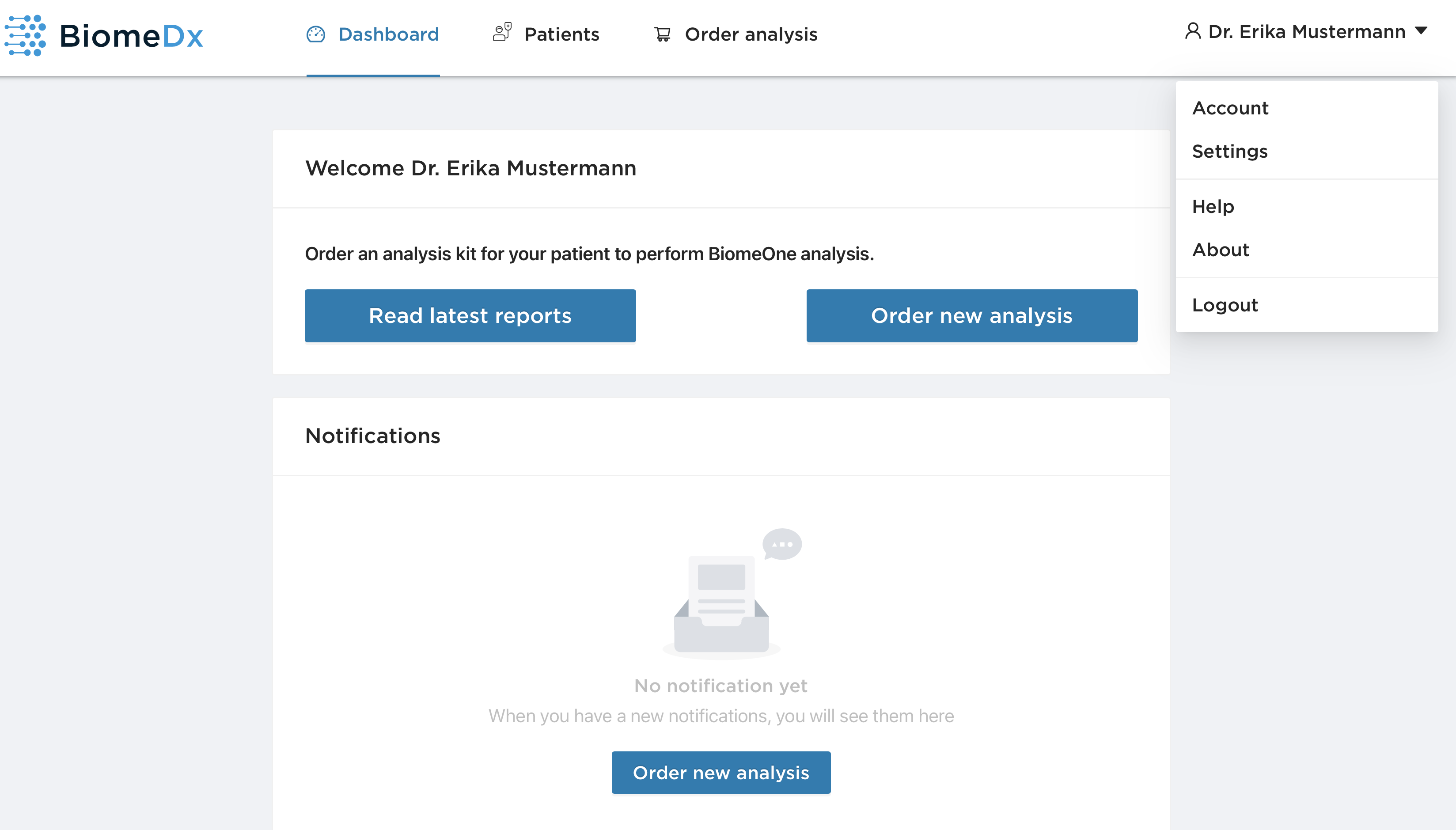
Once you have logged in to your account, you will find yourself in your dashboard area where you can manage your patient list and order a new analysis. You can also access your user profile in the right-hand corner.
Account
In the "Account" area, you have access to your user data that you entered when you created an account.
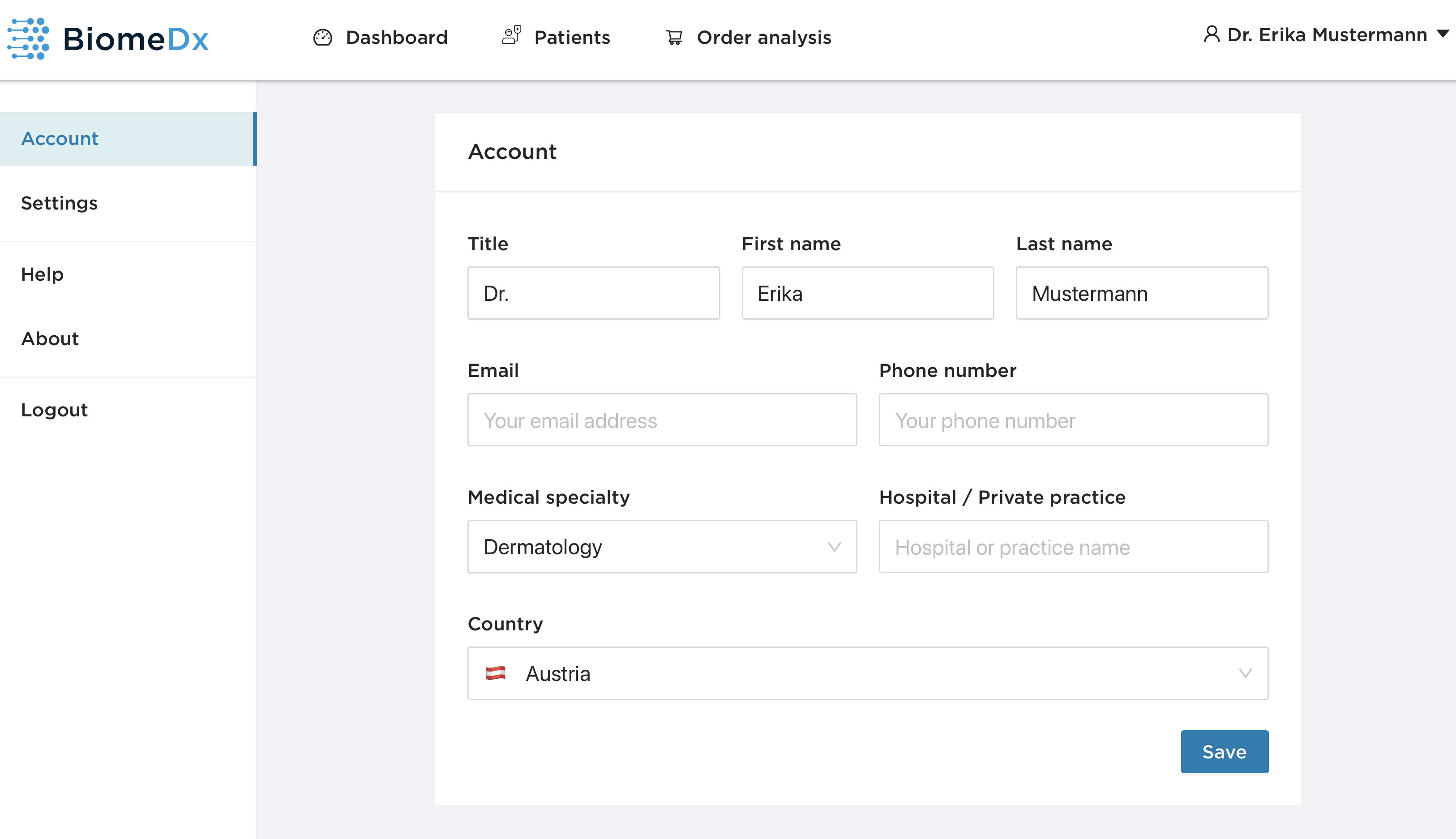
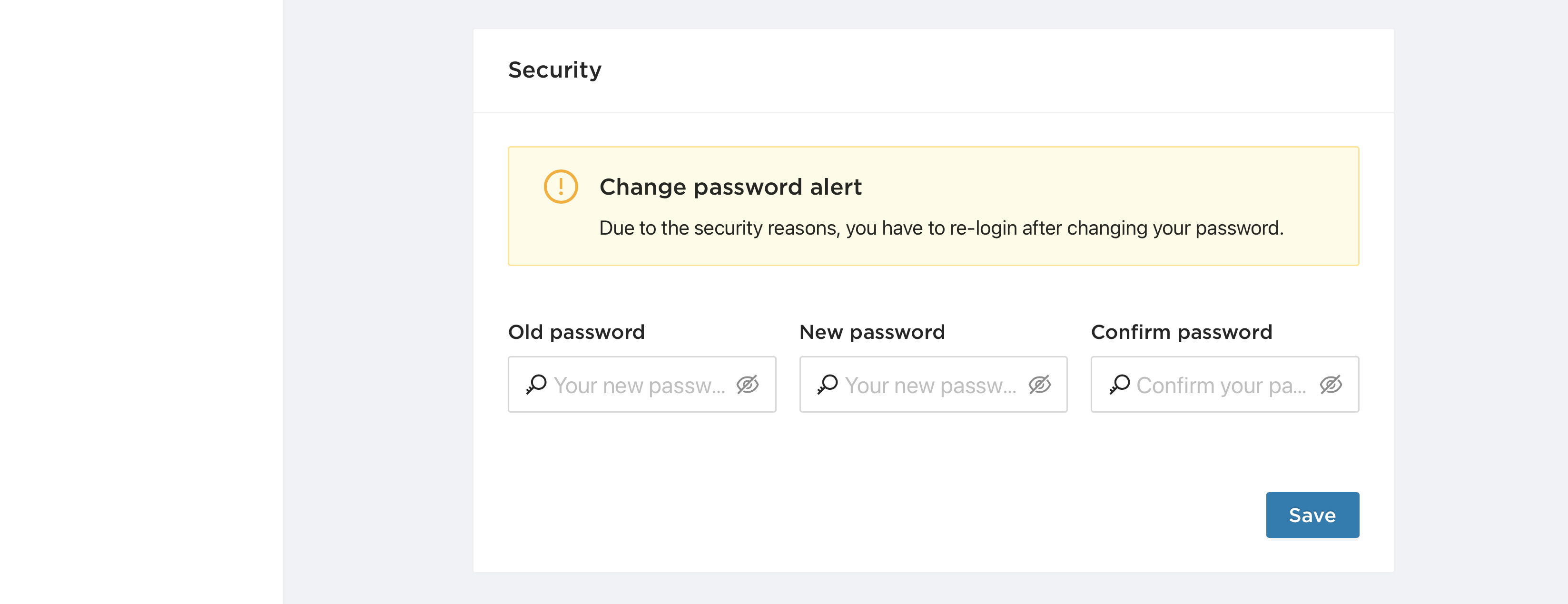
Here you can update your personal data or change your password. If you wish to change your password, you will be asked to log in again with your new password.
Settings
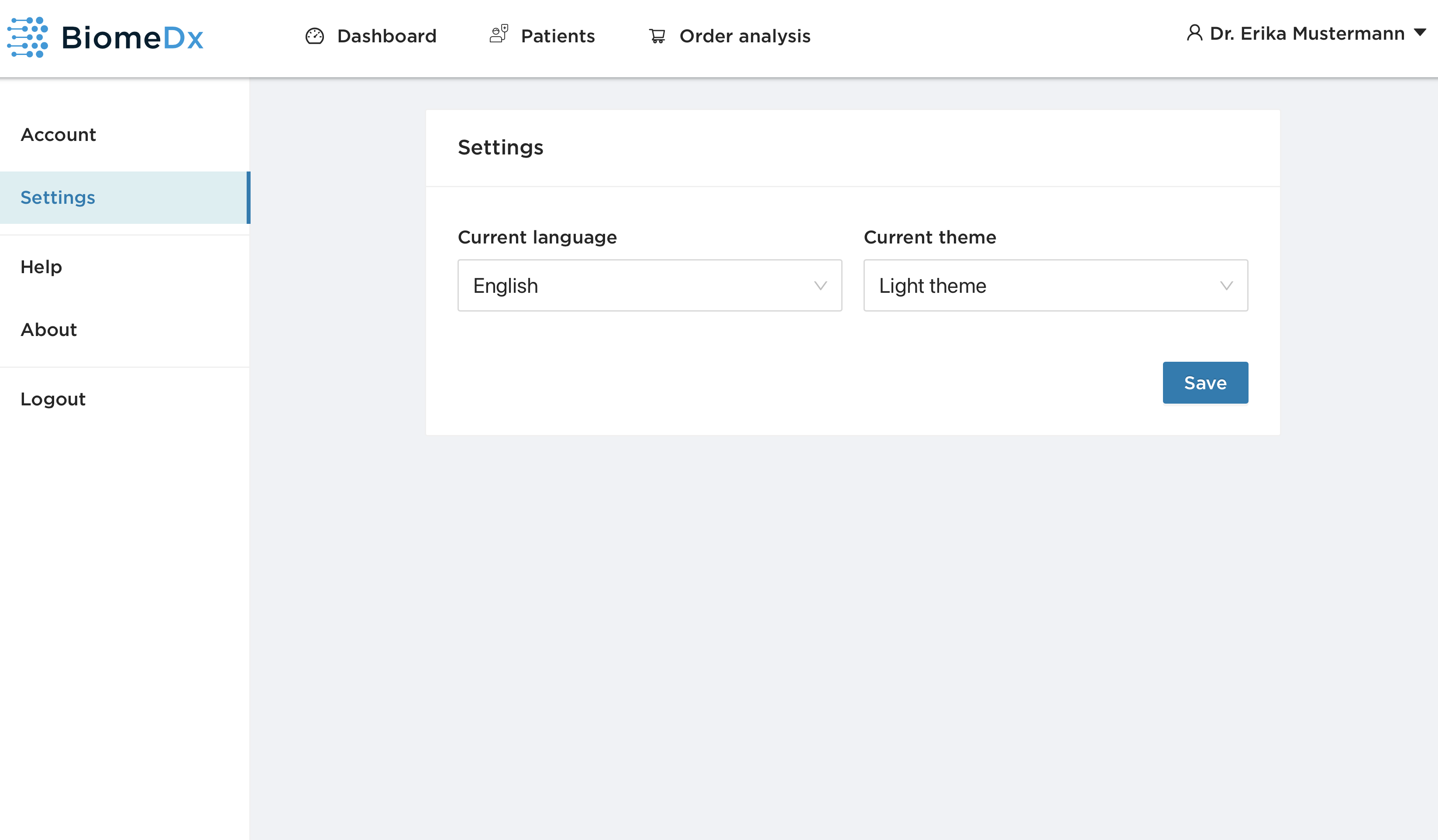
Under "Settings" you can change the language of the BiomeDx platform. Followed languages are available:
English
German
Español
Français
Italiano
Polska
Portuguese
Türkçe
Another feature of the platform is the option to use a light or dark theme. If you want to add one of these changes, click on "Save".
Help section
With "Help" you will be forwarded directly to our customer support.
About
Here you will find information about the current version of the BiomeDx platform.
Log out
Klick on "Log out" to log out of your account.