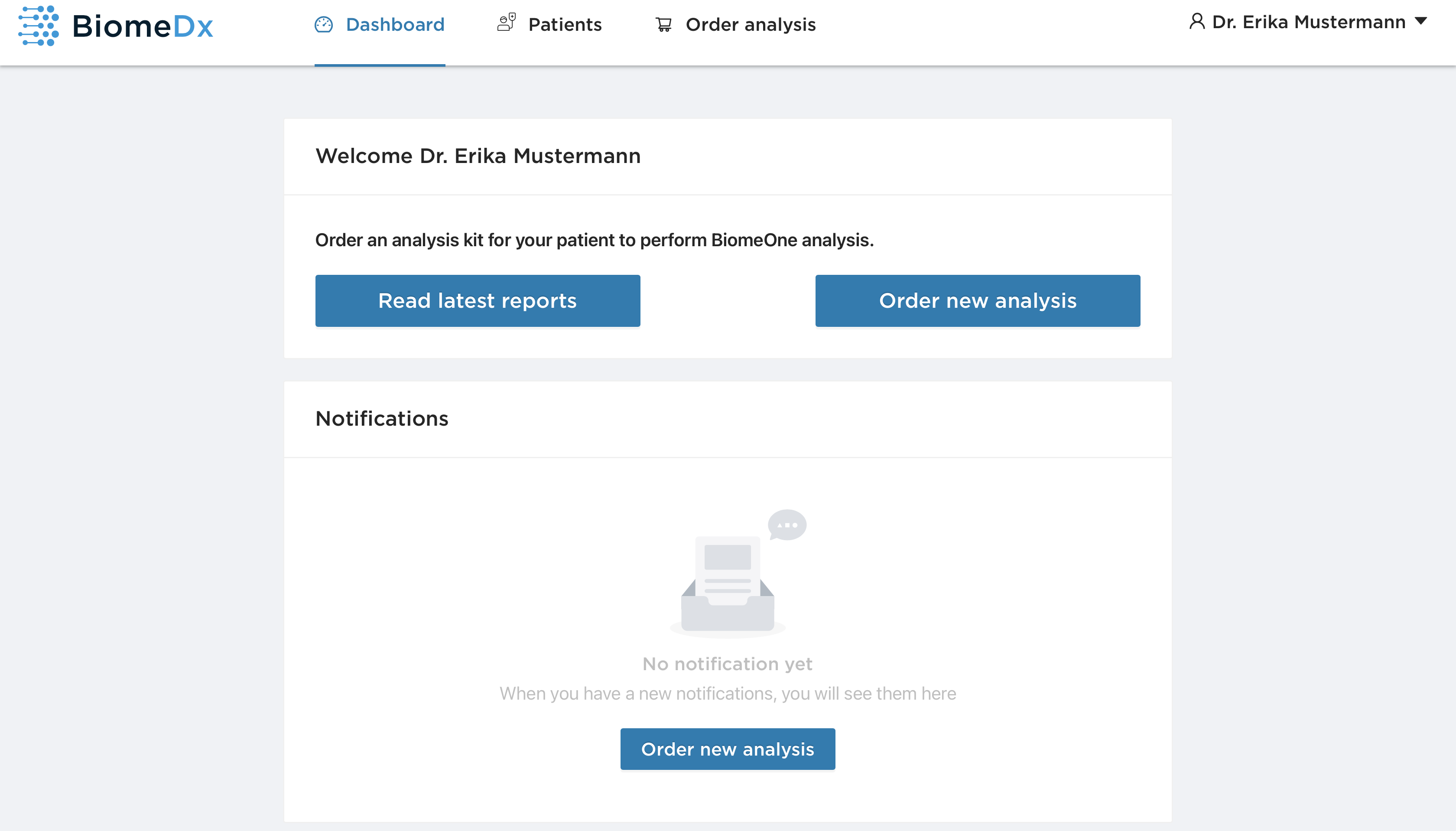
Once you have logged in with your e-mail address and password, you will be redirected to a dashboard. The dashboard contains two main buttons:
"Read last reports" automatically takes you to your patient list, which contains all previously ordered BiomeOne® Analysis test kit, patient information, the status of the analysis and the date of the last update.
"Order new analysis" redirects you to the BiomeDx store where you can order a new BiomeOne® Analysis test kit.
The notification field informs you about the status of the sample analysis, general BiomeDx news and our latest products.